The short answer
You walk to a snowy overlook with a phone, a small camera, or binoculars. The walk keeps your hands moving, but the bird you came to see is across the pond and now you are standing still, waiting, while one thumb searches for a dial and the other hand holds equipment. The hardest part of winter photography is often not the shutter press; it is staying warm through the gaps between precise tasks.
Plan two modes: covered hands while walking and waiting, plus a short sequence for controls. Set up indoors, test the exact device, carry a dry or warmer layer, and put the device away before moving. Touchscreen coverage helps a phone; it does not make a glove good at a camera dial or binocular wheel.
The coldest part may be the wait, not the photo
The walk creates movement and simple hand work. At the observation point, your fingers may stay in one posture around a camera or binoculars while you stand still. A short burst of button pressing does not replace ten minutes of waiting, so choose for the wait as well as the instant of capture.
An older Audubon winter birding feature is context, not a current buying list: decide when both hands can stay covered and when the system needs a brief, controlled opening.
- Before leaving, charge devices, clear the lens or screen, and put the camera strap, binocular harness, and phone controls where you can find them by touch.
- At the first warm stop, rehearse the exact sequence: wake the phone, unlock it, open the camera, press the shutter, turn the dial, focus binoculars, and put everything away.
- During a long wait, keep the equipment supported and return your fingers to a relaxed covered position between sightings or frames.
- If your hands are losing precision, move to shelter or shorten the session. Do not make a cold, numb hand prove that the glove can manage one more control.
A touchscreen task is not the same as a camera-control task
Phone photography can involve a large glass target, pinch-to-zoom, a shutter button, and a swipe. A dedicated camera may ask for a small shutter button, a mode dial, a zoom ring, a focus control, a lens cap, or a card door. Binoculars add a narrow focus wheel and a grip that must stay stable while you look. Test the full sequence instead of asking only whether the fingertip can tap glass.
| Task | Touchscreen? | Fine pinch or grip? | Test before the outing |
|---|---|---|---|
| Phone shutter and swipe | Yes | Moderate | Unlock, open the camera, tap, swipe and pinch without stretching the glove |
| Camera shutter and dial | Usually no | High | Press the shutter, turn the dial and change one setting without looking at the glove |
| Lens cap or cover | No | High | Remove, hold and replace the cap without dropping it |
| Binocular focus | No | High | Hold the binoculars steady and turn the focus wheel through its normal range |
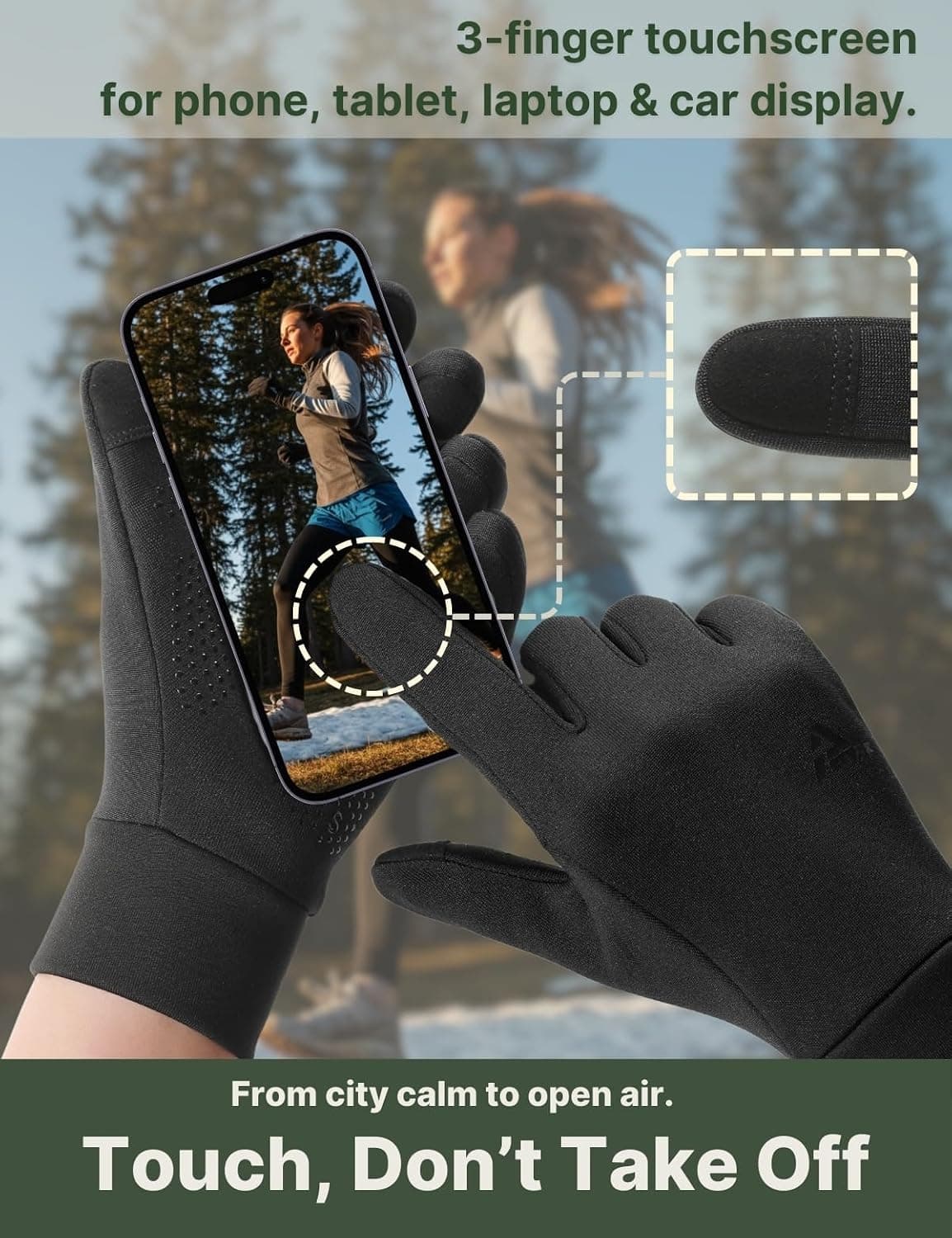
The three-finger touchscreen troubleshooting guide explains why fit, screen condition and the device itself affect tapping. For a camera or binocular, start with a different question: can you locate and move the physical control without forcing the finger into a padded slot? If not, a touch-ready glove may still be the wrong glove for that device.
Set up before you need small controls
Every setting completed indoors is one less fine-motor task in the cold. Choose the photo mode, focus behavior, screen brightness, image format, and exposure compensation that fit your outing. For binoculars, set the strap and basic focus before you reach the observation point. For a phone, open the camera and check that the screen is clean and dry. Keep a simple fallback mode rather than planning a full settings menu while your hands are chilled.
Your own device manual wins over a generic tutorial. If a button is too small or a control requires bare fingertips, plan a brief sheltered adjustment, a thin layer, or a different way to carry the equipment. Do not assume a ten-finger touchscreen claim covers a mechanical dial; those are different functions.
Keep hands warm while waiting, then expose them briefly
Use coverage for the long part of the outing and precision for the short part. When you are walking, carrying the camera, or watching without a control in hand, keep both hands covered. When you see the subject, brace the equipment, do the practiced sequence, and cover your hands again. A pocket, muff, or warm layer can help during the wait; follow any warmer label and do not use it as a reason to ignore discomfort.
If you layer, test the complete setup before leaving. Thin liners can be useful and some support phone touchscreens, but extra fabric may reduce room for a dial or pinch. Two layers can be more useful than demanding one glove do every job.
Protect the device as well as your hands
Cold-weather photography can fail because the battery or camera is unhappy, not because the glove is wrong. Nikon’s cold-weather shooting guidance recommends starting with a charged battery, carrying spares close to the body, shielding equipment from snow and allowing it to warm gradually in a closed bag before bringing it indoors. Follow the manual for your exact camera; Nikon’s advice for its own equipment is not a universal operating limit.
For a phone, Apple’s temperature guidance says iPhone and iPad devices are designed for use from 0–35°C (32–95°F). Very cold conditions can temporarily shorten battery life, stop charging, or cause a device to shut down. A touchscreen glove can reduce the need to expose your fingers, but it cannot extend the phone’s operating range. Keep the phone in an inside pocket when possible and follow the device maker’s advice rather than forcing a cold battery to charge.
Afterward, let cold gear warm gradually in its bag or case. Condensation is a device-care issue, so wait before charging or opening compartments.
Run a five-minute device test at home
| Step | Pass condition | If it fails |
|---|---|---|
| Carry | You can hold the camera or binoculars without a slipping palm or cuff pull | Change fit, strap setup or palm contact before changing insulation |
| Wake | You can wake the phone or camera without searching for the control | Set the device before leaving or use a safer sheltered stop |
| Operate | You can press, turn, pinch or focus with the hand in a natural posture | Try a lighter layer, a different size, or a different control sequence |
| Recover | You can return the device to its case and cover both hands | Shorten the task and plan a warmer waiting method |
Choosing a glove for winter photography
For a light, active outing, the Aerynx X1 Lite offers four-way stretch, 320 gsm fleece, silicone grip, an extended cuff and three touchscreen fingertips. Its 41–59°F (5–15°C) range is brand solo-use guidance, not a rating; X1 is water-repellent, not waterproof, so it is not a promise for a long, wet, stationary wait.
For more structure, the Aerynx X3 Winter has six layers, pre-curved fingers, a padded microfiber PU synthetic-leather palm, ten-finger touchscreen, thumb wipe, long cuff and wrist adjuster. Pre-curve is design intent, so test your controls. X3 has no published temperature range or graphene, and this article does not present it as a professional photography, ski, work or motorcycle glove. It is not for soaking; choose it only if your device test passes.
Winter photography and birdwatching questions
Gloves and cold-weather devices
- Will touchscreen gloves work with every camera?
- No. Touchscreen fingertips address a glass screen, not every physical shutter, dial, lens cap or binocular focus wheel. Test the exact device and controls you will use, then choose the lightest setup that still keeps you comfortable while waiting.
- Do I need a warmer glove for birdwatching than for walking?
- Possibly, because birdwatching often includes longer still periods. Use your expected wait, wind exposure and wetness to decide. Keep a warmer or dry layer for the wait, and rehearse the short control sequence before you leave.
- Is a phone losing battery in winter a glove problem?
- Not necessarily. Apple says very cold conditions can temporarily shorten battery life, stop charging or shut down an iPhone or iPad. Keep the device within its maker’s guidance and carry it close to your body; a glove cannot change the phone’s operating range.